
A card scanner app should do one thing fast: point your phone at a Pokemon card and tell you what it is and what it's worth. In 2026 there are more than a dozen apps that claim to. Some are built for scanning, some are marketplaces with a camera bolted on, and some are collection trackers where the scanner is an afterthought. This guide compares the eight worth your time and says plainly which one fits which collector.
Quick comparison
| App | Platforms | Price | Price sources | Graded values | Collection | No account | Best for |
|---|---|---|---|---|---|---|---|
| PokeScopeOur app | iOSAndroid | FREEPro $7.99/wk or $24.99/yr | TCGplayerCardMarketeBay sold | PSA, BGS, CGC | Collection, want lists | Fast scans with graded values | |
| TCGplayer | iOSAndroid | FREENo paid tier; account to sell | TCGplayer | Raw prices only | Basic | Selling on TCGplayer | |
| Collectr | iOSAndroid | FREELimited scans; Pro $7.99/mo or $59.99/yr | TCGplayereBay (some) | PSA only | Portfolio, multi-game | Portfolio tracking | |
| Eyevo | iOSAndroid (newer) | FREE3 free scans; Pro from $29.99/yr | TCGplayerCardmarketeBay | PSA, BGS, CGC, SGC | CSV export | Graded comps, EU prices | |
| Ripdex | iOSAndroid | FREENo paid tier | TCGplayer | Raw prices only | Binder-page scans | Bulk binder scanning | |
| Dragon Shield | iOSAndroid | FREEIn-app purchases | Market prices | Raw prices only | Decks and trades | Players and deck builders | |
| Pokellector | iOSAndroid | FREENo paid tier | None | Limited pricing | Set checklists | Set completion | |
| Google Lens | iOSAndroid | FREENot a card app | None | No prices | None | Identifying a mystery card |
How we compared these apps
This is a practical comparison, not a lab test. In late August and early September 2026 we installed each app on an iPhone and, where available, an Android phone, and scanned the same small stack of English cards: a Base Set holo, a reverse holo, a promo, a modern ex, and a card in a binder sleeve. Pricing, platforms and in-app purchase tiers come from each app's App Store and Google Play listing on the day of writing. Where a developer publishes its own accuracy or speed numbers we quote them and say whose numbers they are. We did not run a controlled benchmark of our own, and we have not tested Japanese cards in depth.
The ranking below reflects how well each app does the core job of identifying a card and giving a usable price, then how much friction sits between install and first scan. An app can be lower in this list and still be the right choice for you; the verdict under each one says who it fits.
What actually matters in a scanner app
Every app can recognise a Charizard. The differences show up on the second question: which Charizard. Before the individual reviews, here is what separates a good scanner from a frustrating one.
- Variant accuracy. Reverse holo versus regular, promo stamps, 1st Edition and shadowless Base Set, and the new Mega Evolution rarities. An app that gets the Pokemon right but the printing wrong gives you the wrong price, sometimes by a factor of ten.
- Price sources. A single TCGplayer market price is a fine starting point. eBay sold listings tell you what people actually paid, and CardMarket matters if you buy or sell in Europe.
- Graded values. If you own or are considering slabs, you need PSA, BGS and CGC prices per grade, not just the raw price.
- Sleeves and lighting. Most cards live in binders. A scanner that needs a bare card on a white table will drive you mad.
- No account, no paywall to try. You should be able to scan a card within a minute of installing.
- Collection tracking that doesn't get in the way. Useful when you want it, invisible when you just want a price.
1. PokeScope
iOS and Android. Free to download and scan; optional Pro subscription ($7.99/week or $24.99/year).
PokeScope is built around the scan screen. Point the camera at a card, in a sleeve or out, and it identifies the card in real time and shows the raw market price with PSA, BGS and CGC graded values next to it. Tap through for recent eBay sold listings, TCGplayer and CardMarket prices, and the card's set details. There is no account to create. The collection tracker, want lists and set browser are there when you need them.
It is rated 4.6 out of 5 from about 2,700 App Store ratings and covers every English set from Base Set to the current Mega Evolution era. The same card database powers the free web price lookup on this site, so you can check a card by name on a laptop and scan it on your phone.
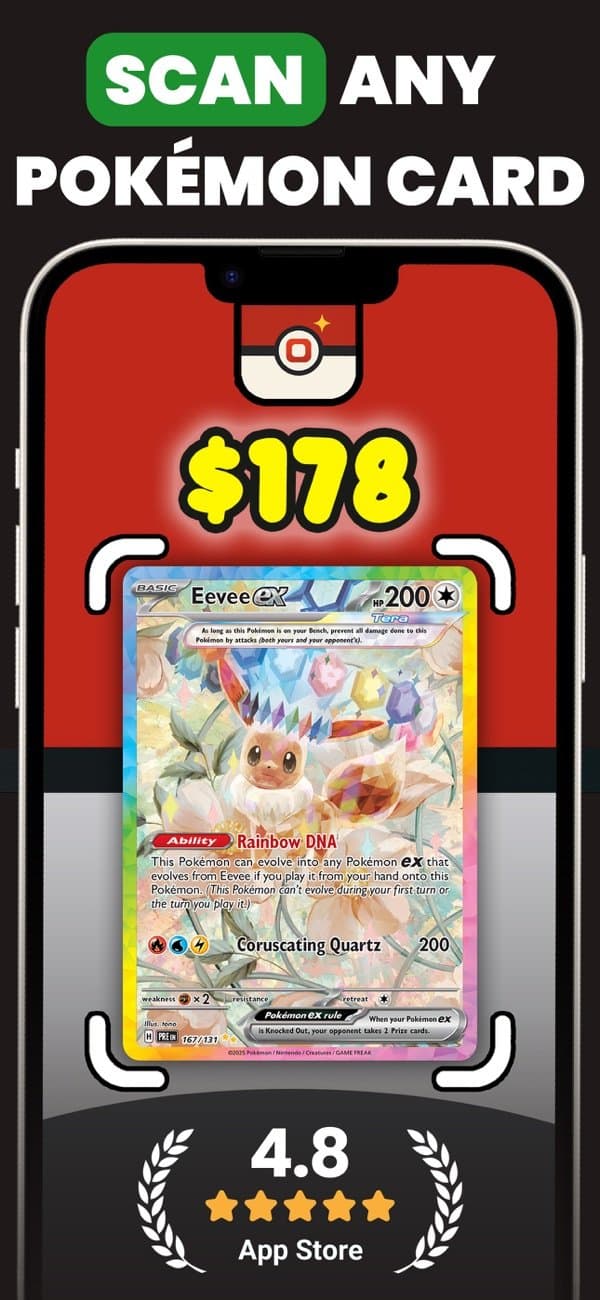
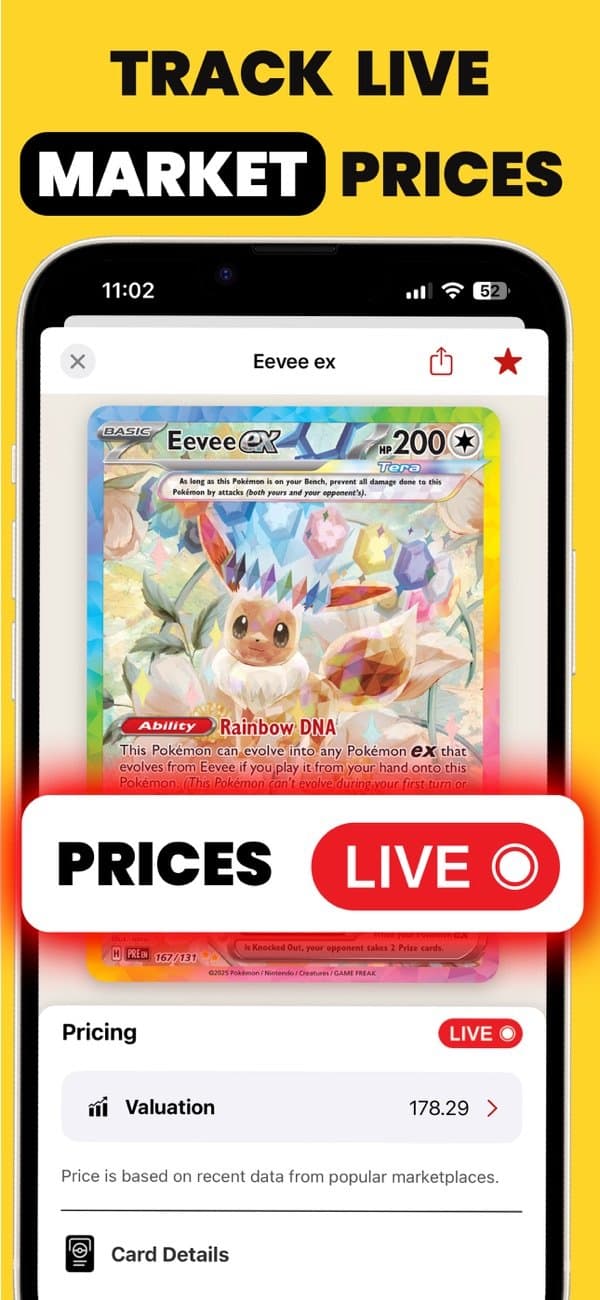
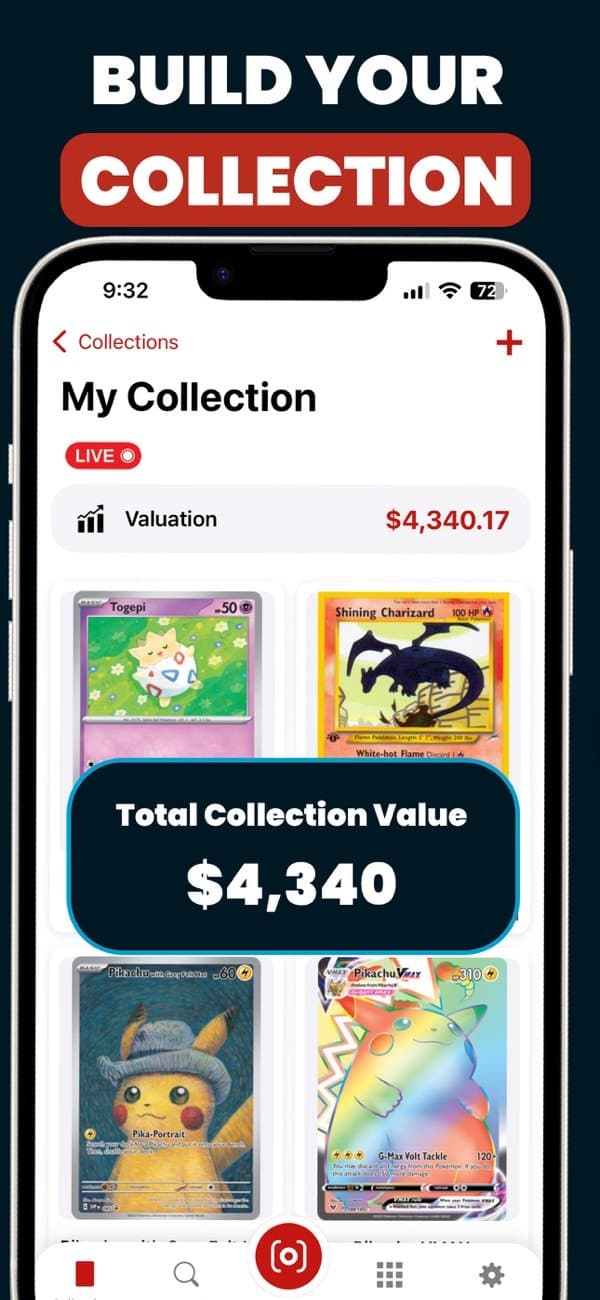
Pricing: free to download and scan. Pro is $7.99 a week or $24.99 a year through in-app purchase. No account is needed for either.
Where it falls short: Japanese cards aren't supported yet, and it doesn't scan slab labels directly. It also doesn't sell cards for you; if you want scan-to-listing, that is the TCGplayer app's job.
Best for collectors who want the fastest route from card in hand to a realistic price, including graded values.
Get PokeScope:App StoreGoogle Play
2. TCGplayer app
iOS and Android. Free; account needed to buy or sell.
TCGplayer is the biggest English-language card marketplace, and its app is the default recommendation for a reason: the database is enormous, batch scanning is solid, and scanned cards drop straight into a sell list. If you sell on TCGplayer, nothing else makes sense.
Where it falls short: prices come only from TCGplayer, so you don't see eBay sold data or graded values, and the marketplace is US-focused. Reviewers consistently rate its variant recognition below the dedicated scanner apps, and Japanese card recognition is weaker than English.
Pricing: free, with no paid tier. You need a TCGplayer account to buy or sell.
Best for sellers who list on TCGplayer. Fine as a scanner, not the best one.
Get TCGplayer:App StoreWebsite
3. Collectr
iOS and Android. Free tier; paid plans for full features and unlimited scans.
Collectr is a portfolio tracker first. It handles Pokemon, Magic, Yu-Gi-Oh, sports cards and sealed product, syncs across devices, and shows your collection's value over time with charts. A multi-card mode scans a whole binder page at once.
Where it falls short: you need an account, free scans are limited before you hit the subscription, and reviewers note that the multi-card mode is looser on accuracy than single-card scanning. Pokemon variant handling is less granular than the Pokemon-only apps.
Pricing: free with limited scanning. Collectr Pro is $7.99 a month or $59.99 a year for unlimited scans, extra filters and data export. It is the highest-rated app here on the App Store, at 4.9 from about 64,000 ratings.
Best for investors tracking a large, multi-game collection who care more about the portfolio than the scan.
4. Eyevo
iOS, with a newer Android app. Free; Pro tier for larger collections.
Eyevo is a scanning-focused app with the widest price coverage in the list: TCGplayer in dollars, Cardmarket in euros, and eBay sold listings including grade-specific comps for PSA, BGS, CGC, SGC and others. It stores your collection on-device with CSV and JSON export. Eyevo publishes its own benchmark claiming 0.8-second scans and 96% variant accuracy; treat that as the developer's number rather than an independent test.
Where it falls short: by its own description the Android app is still catching up to iOS, and there is no marketplace integration. The free tier is small: you get three scans before the paywall.
Pricing: three free scans, then Eyevo Pro at $5.99 a week, $29.99 a year or $69.90 lifetime, with a higher tier at $34.99 a year. It is a newer app, rated 4.6 from a few dozen App Store ratings at the time of writing.
Best for graded-card collectors and European collectors who need Cardmarket prices.
5. Ripdex
iOS and Android. Free, no account.
Ripdex's pitch is speed on bulk: hold the phone over a binder page and it identifies every card on it, hands-free, keeping a running total. Prices come from TCGplayer with a 90-day history, and it covers English and Japanese cards. Like Eyevo, its accuracy figure (98.1% first-scan identification in its own July 2026 test) is self-published.
Where it falls short: Pokemon only, TCGplayer only, and no graded pricing.
Pricing: free, no account, no paid tier at the time of writing.
Best for cataloguing hundreds of bulk cards quickly.
Get Ripdex:App StoreGoogle Play
6. Dragon Shield Poké TCG Scanner
iOS and Android. Free with in-app purchases.
From the sleeve maker, this is an all-in-one app for players: scanning, card translations, deck building, trade tools and collection management. The scanner is competent, and the deck and trade features are ones the pure scanner apps don't have.
Where it falls short: pricing depth. No graded values and less price context than the apps built around valuation.
Pricing: free with in-app purchases for premium features; prices come from TCGplayer and Cardmarket.
Best for players who build decks and trade, and want scanning in the same app.
Get Dragon Shield:App StoreGoogle Play
7. Pokellector
iOS and Android. Free.
Pokellector is the veteran set-completion tracker: every set as a checklist, want lists, and set-by-set progress. The scanner exists to tick cards off, not to price them.
Where it falls short: reviewers put its scanner among the slowest and least accurate, and price data is limited. The interface shows its age.
Pricing: free. Covers English and Japanese sets as checklists.
Best for set completers who already know their cards and want a checklist, not a price tool.
Get Pokellector:App StoreGoogle Play
8. Google Lens
iOS and Android. Free.
Not a card app at all, but worth knowing about. If you have a card you can't identify, a Lens search on a photo will usually find visual matches and tell you the name and set. From there, search the name in any of the apps above or in the PokeScope card value lookup.
Best as a last resort for a mystery card. No prices, no collection.
Get Google Lens:Website
Which one should you download?
- You want a price fast, including graded: PokeScope.
- You sell on TCGplayer: the TCGplayer app.
- You track a big multi-game portfolio: Collectr.
- You buy and sell in Europe or live on eBay graded comps: Eyevo.
- You have five binders of bulk to catalogue: Ripdex.
- You play and build decks: Dragon Shield.
- You're completing sets: Pokellector.
All of these are free to try, so the honest advice is to install two and scan the same ten cards, including a reverse holo and something from Base Set. The app that gets the printing right is the one to keep.
Get better scans from any app
- Scan in even light. Overhead lamps cause glare on holos and sleeves; a window on a cloudy day is ideal.
- Fill the frame. Most scanners want the whole card visible with a little margin.
- Check the set symbol and card number the app shows against the card before you trust the price.
- For vintage cards, verify 1st Edition stamps and shadowless borders yourself. That distinction is worth more than any scanner error.
- Use graded values only for cards that are actually graded. A raw card in a top loader is priced as raw.
Frequently asked questions
Try PokeScope free
Scan any English Pokemon card and see raw and graded prices in seconds. No account, no typing.
Greg built PokeScope's card recognition from scratch and has spent the last two years testing scanner apps against real binders. He wrote about that process in how we built the PokeScope scanner. Corrections and app updates: contact us.